
Processing Zip refund is really no different from processing a cash or merchant eft refund.
- Navigate to a New Invoice.
- Tick Refund as per the normal process.
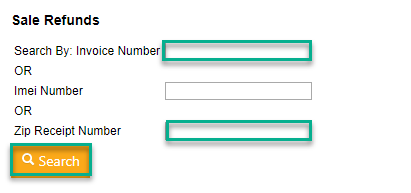
- Either enter the ClickPOS invoice number or the Zip receipt number (located on the customer POS invoice).
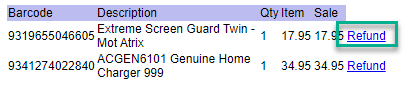
- Select the product required for a refund.
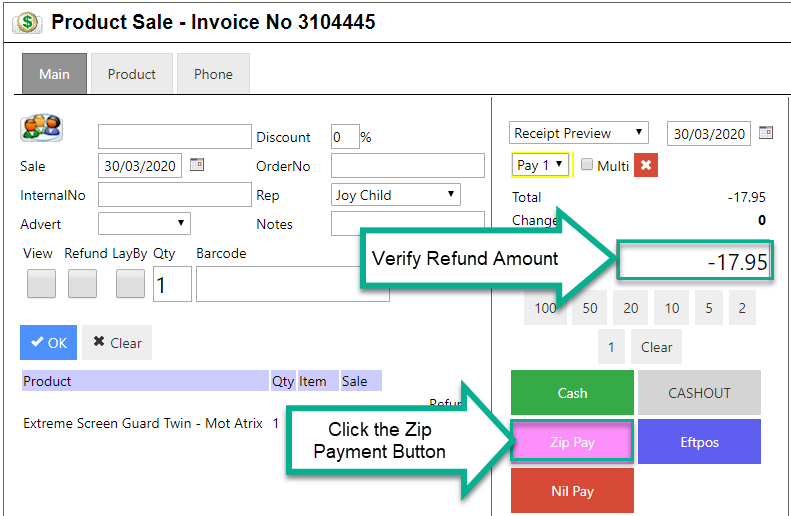
- Confirm the refund amount.
- Click the Zip payment button.
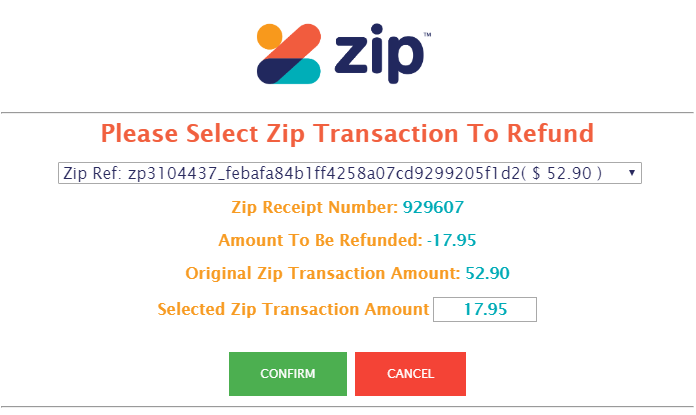
- Verify the information is accurate.
- If accurate, click Confirm to process the refund.
- An invoice will generate indicating the refund processed successfully.