- Navigate to Maintain > System Admin > Maintain Sale Reference
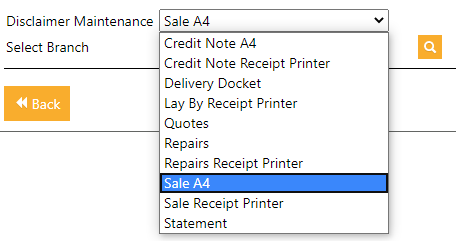
- Select the required invoice style. e.g.. Sale A4 or Statement
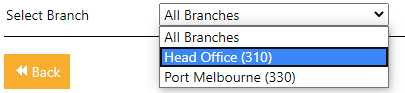
- Select the branch or all if you would like to apply to all branches
- Click
 icon
icon - The Order No will dictate the order of each line entered in the "Description" section
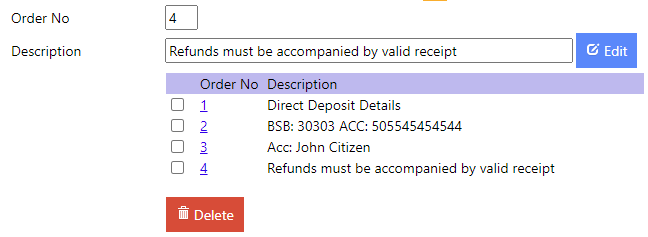
- Click Edit to apply each line